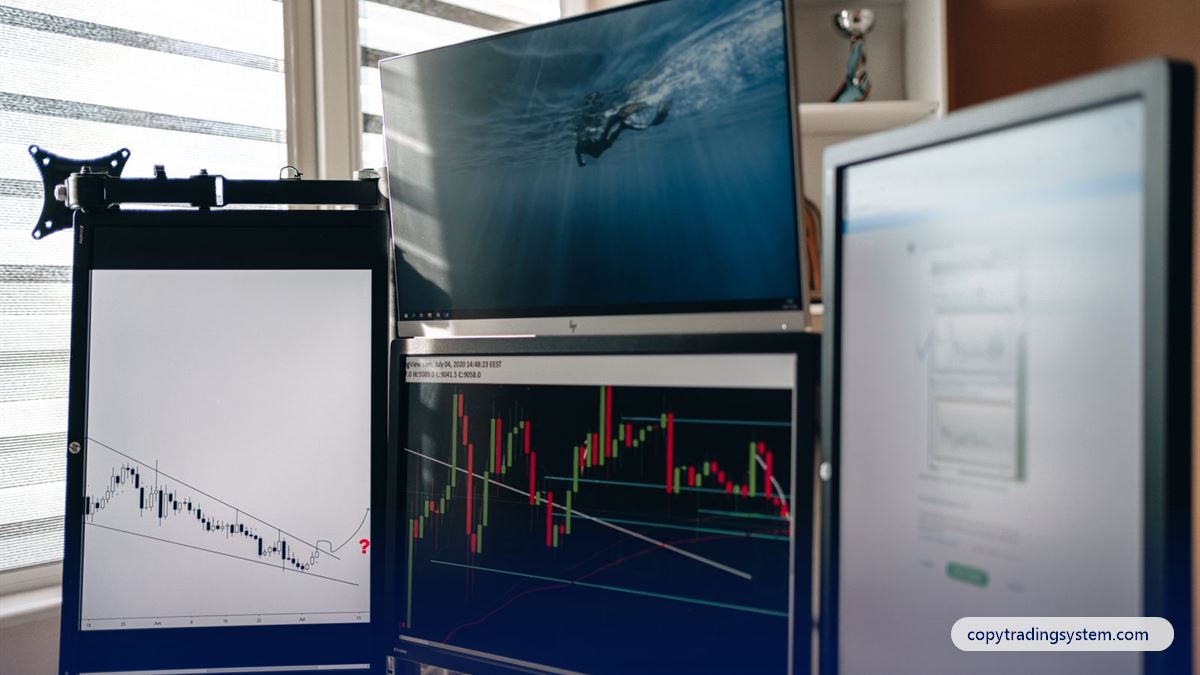
If you have decided to try it, how to start copy trading comes down to seven steps, most of which take minutes. This guide walks through each one in order — with the questions to ask at every step — so that your first copied trade happens on purpose, not by accident. It is written for beginners and assumes no trading experience.
Step 1: Decide what you can afford to lose
Before any platform or broker, write down one number: the amount you could lose completely without it changing your life. That is your trading capital. Copy trading does not remove risk; it only removes the work of placing trades. If the number is zero, the right move is to wait.
Step 2: Choose a regulated broker with MetaTrader 5
Your money sits with the broker, not with the copy service, so the broker matters most. Check who regulates it, how deposits and withdrawals work in your country, and whether it offers MetaTrader 5 (MT5) — the platform most trade copiers use. Our guide to choosing a forex broker for copy trading lists the questions, and our broker page shows the brokers we work with today.
Step 3: Open and verify your MT5 account
Open a live MT5 account (many people practise on a demo account first — a good idea). Note three things you will need: the login number, the server name and the account currency. Complete the broker's identity check now, so that a withdrawal is never held up later.
Step 4: Fund the account sensibly
How much to deposit depends on the copier's strategy and your budget. A very small account leaves little room for normal swings and can be stopped out by a single bad day. We recommend at least $1,000 for our package, though it is not required. The reasoning is in how much money you need for copy trading.
Step 5: Connect the copier
This is where services differ. On a platform, you press "copy". With an Expert Advisor, you attach the EA to a chart in your MT5 terminal. With CopyTradingSystem:
- Open your account with your email — there is no password; you sign in with a one-time code.
- Add your MT5 account (login number only) on the Copy Trade page of your dashboard and create its key.
- Download our Expert Advisor, allow
https://activate.copytradingsystem.comunder MT5 → Tools → Options → Expert Advisors → WebRequest, and start it with the key. - Top up your wallet with crypto and buy the $25 package.
The full walkthrough is on how it works; the technical side of EAs is in MT5 copy trading explained.
Step 6: Keep the copier running
An Expert Advisor only copies while your MT5 terminal is open and online. If you close your laptop, copying stops. Many traders rent a forex VPS — a small always-on server — for exactly this reason. We offer one as an option, but you may run the EA anywhere.
Step 7: Set your stop rules — and keep them
- A loss limit: the drawdown at which you stop copying and reassess.
- A time limit: when you will review the results (our package has one built in: 7 days).
- A profit rule: what you will do when a target is reached. Our package stops trading at $50 profit; the reason is explained in why a profit target matters.
Your first week: what to check
| When | What to look at |
|---|---|
| Day 1 | The EA shows as connected; the first trades appear in both your terminal and dashboard |
| Daily | Balance, open positions and the profit counted so far |
| Any deposit | It is not counted as profit (our calculation removes it) |
| Day 7 | The package is complete, or the $25 has come back to your wallet |
Trading carries a risk of loss. Never deposit money you need for rent, food or debt, and never borrow to trade. Read our Risk Disclosure before you begin.
Should you start on a demo account?
A demo account uses virtual money on real prices. It is the best place to learn the mechanics — installing the copier, seeing trades appear, reading your terminal — without risk. Its limit is psychological: losing virtual money feels nothing like losing real money. A good routine is one week on demo to learn the tools, then a small live account.
Seven common beginner mistakes
- Starting with money you need. It makes every losing day feel like an emergency.
- Choosing by headline return. Look at drawdown and track-record length first.
- Trading manually in the copied account. Your own trades change the copier's risk and, with us, the profit calculation.
- Letting the terminal close. A copier that is offline copies nothing — and may miss an exit.
- Raising risk after a loss. Doubling up to "win it back" is how small losses become large ones.
- Ignoring the broker's terms. Leverage, stop-out level and withdrawal rules matter.
- Paying outside the official website. Real services do not take payments in chat apps.
A simple first-month plan
| Week | Focus |
|---|---|
| 1 | Open and verify the broker account; learn MT5 on demo |
| 2 | Fund the live account; connect the copier; buy one package |
| 3 | Watch daily; note how the account behaves on losing days |
| 4 | Review: did it match your expectations and your limits? Decide calmly whether to continue |
Frequently asked questions
Can I start copy trading with no experience?
Yes — that is what copy trading is designed for. You do need to understand that losses are possible and to follow the steps above carefully.
Do I need a VPS to start?
No. A VPS is a convenience that keeps the copier online around the clock. You can start on your own computer as long as it stays on.
How long does it take to start copy trading?
Opening and verifying a broker account usually takes the longest — from minutes to a day. Connecting our Expert Advisor takes about ten minutes.